Tutorials
Kaption video tutorials
Short videos, about 2 minutes each: turn voice notes into text, summarize chats, schedule messages, back up WhatsApp, record calls and connect WhatsApp to Claude and ChatGPT.
Getting started
Install Kaption, read voice notes as text and summarize long chats.
 1:52Turn WhatsApp Web voice notes into text in 1 clickHow to transcribe WhatsApp Web voice messages to text in 1 click, without playing them, with Kaption.
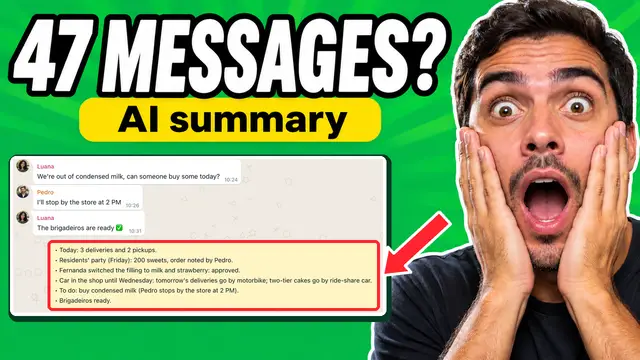 1:35How to summarize WhatsApp Web groups and chats with AI in 1 clickHow to summarize WhatsApp Web groups and chats with AI in 1 click, with Kaption.
Scheduling on WhatsApp Web
Messages, status, channel posts and community announcements that go out on time, from your own number.
 1:55How to schedule WhatsApp Web messages from your own numberHow to schedule messages in WhatsApp Web that go out from your own number, in your name, with Kaption.
 1:10How to schedule your status in WhatsApp WebHow to schedule your status in WhatsApp Web with Kaption: write it today, and it gets posted on its own at the right day and time.
 1:15How to schedule channel posts from WhatsApp WebHow to schedule posts to your channel from WhatsApp Web with Kaption.
 1:16How to schedule community announcements from WhatsApp WebHow to schedule announcements in your community from WhatsApp Web with Kaption: every member gets them right on time.
AI on WhatsApp Web: Claude and ChatGPT
Connect your WhatsApp to an AI assistant, and keep your messages private.
 2:15How to connect WhatsApp Web to Claude and ChatGPT (MCP)How to connect your WhatsApp Web to Claude, ChatGPT or another AI assistant, with Kaption's MCP.
 1:00AI on WhatsApp Web without handing over your messages: Claude and ChatGPT, privatelyHow Kaption connects WhatsApp Web to Claude and ChatGPT without handing over your messages.
Privacy and safety
Where your data stays, how Kaption helps protect your number, and private transcripts.
 0:52Your WhatsApp stays on your computer: Kaption privacy explainedMany WhatsApp tools copy your chats to their own servers.
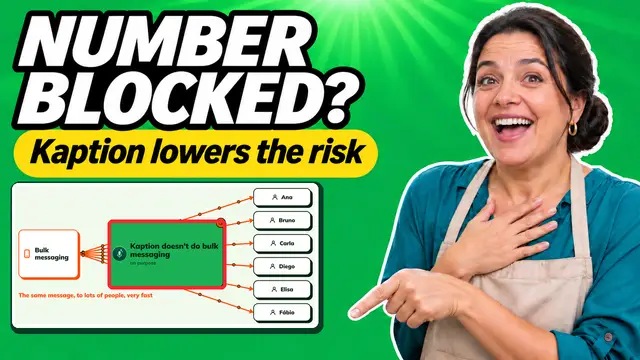 0:51How Kaption helps keep your WhatsApp number from being blockedThe number one reason WhatsApp numbers get blocked is bulk messaging.
 0:36Transcribe WhatsApp Web voice notes privately: on your computer or in the cloudTranscribing your WhatsApp Web voice notes does not have to expose them.
Backups and call recording
An encrypted copy of your chats on your computer, and WhatsApp calls with a transcript.
 1:58Back up WhatsApp Web on your computer: automatic and encryptedHow to back up WhatsApp Web on your computer, automatically and encrypted, with Kaption.
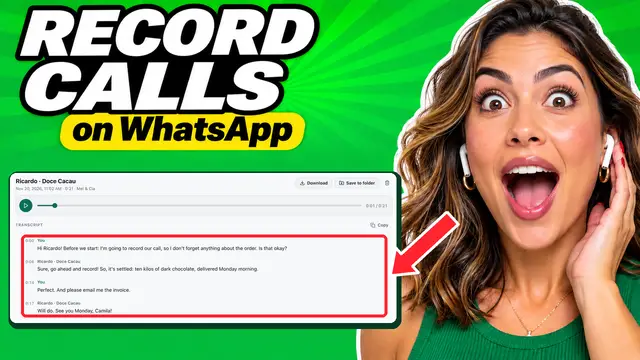 2:16How to record WhatsApp calls on your computer (Mac and Windows)How to record WhatsApp calls on your computer, on Mac and Windows, with the Kaption app.
New tutorials come out on the Kaption YouTube channel.
Subscribe on YouTube