How to schedule community announcements from WhatsApp Web
How to schedule announcements in your community from WhatsApp Web with Kaption: every member gets them right on time. And ask Claude or ChatGPT for a weekly summary of your community.
In this video
Install Kaption, open Scheduled Messages, click Schedule a channel post, pick your community under Community announcements, write the announcement and check the preview, choose when and schedule, and see it in the list. Only community admins can post announcements.
Show the full transcript
Transcript
Do you run a WhatsApp community? You can schedule your announcements, and everyone in the community gets them right on time. In this tutorial, you'll see how to schedule announcements in your community from WhatsApp Web with Kaption.
First, install Kaption from the link in the description, and open WhatsApp Web. Open Kaption's Scheduled Messages, and click Schedule a channel post. That's also where community announcements live.
In the Where section, under Community announcements, choose your community. The announcement goes to the announcements group, which reaches every member. Write the announcement, check the preview, pick when, and click Schedule post.
Done! The announcement shows up in the list, with the Announcement tag. Only community admins can post announcements.
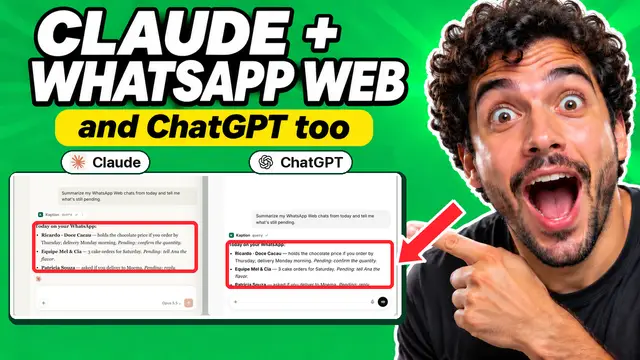
And it goes out from your WhatsApp, on this computer: at that time, keep WhatsApp Web open. With Claude or ChatGPT, you can go further. Ask: summarize what happened in my community this week.
Or: post this announcement to my community and my channel tomorrow at nine. That's it! Install Kaption from the link in the description, and keep your community in the loop.
If this video helped, subscribe to the channel.
Try it on your WhatsApp
Kaption is free to install. Plans and limits are on the pricing page. See pricing
See the feature page →Next course: AI on WhatsApp Web: Claude and ChatGPT
 2:15How to connect WhatsApp Web to Claude and ChatGPT (MCP)How to connect your WhatsApp Web to Claude, ChatGPT or another AI assistant, with Kaption's MCP.